
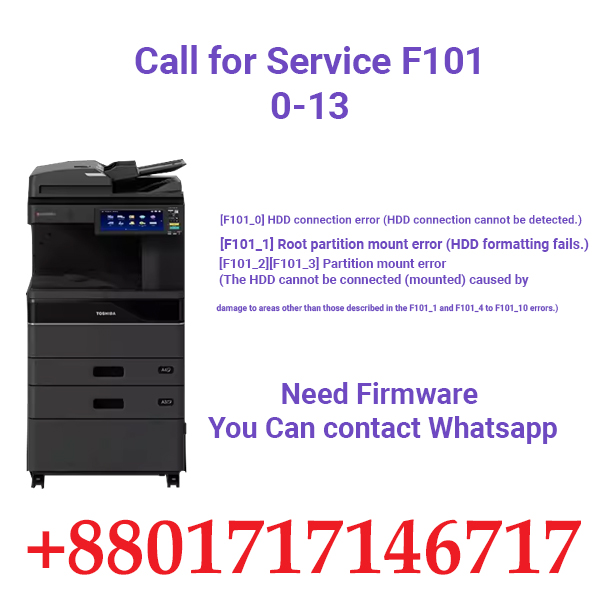
Toshiba Copier’s Firmware at Low Price from Ideal Tech BD
We Sales Toshiba e-Studio all series Copiers Firmware all over the World. we sell all the latest version firmware from the Toshiba Official Store.
Toshiba Photocopier OPC Drum: Everything You Need to Know
Are you looking to learn more about Toshiba photocopier OPC drums? Look no further! In this article, we will dive into the world of OPC drums, specifically focusing on Toshiba photocopiers. From what they are to how they work, we will cover all the essential information you need to know.
What is an OPC Drum?
Let’s start with the basics. OPC stands for Organic Photoconductor, which is a crucial component in a photocopier. The OPC drum is responsible for transferring the toner from the cartridge onto the paper during the printing process. In simpler terms, it plays a vital role in creating the final printout of your document.
Why is the OPC Drum Important in Toshiba Photocopiers?
In Toshiba photocopiers, the OPC drum is a critical component that directly impacts the quality of your prints. A worn-out or damaged drum can lead to poor print quality, streaks, and smudges on your documents. It is essential to maintain and replace the OPC drum regularly to ensure optimal performance and high-quality prints.
How Does the OPC Drum Work in Toshiba Photocopiers?
The OPC drum in Toshiba photocopiers works by utilizing static electricity to attract and transfer the toner onto the paper. As the drum rotates, it is charged with a laser beam, creating an electrostatic image of the document to be printed. The toner is then attracted to the charged areas on the drum, which is eventually transferred onto the paper to create a copy of the original document.
When Should You Replace the OPC Drum in Your Toshiba Photocopier?
It is recommended to replace the OPC drum in your Toshiba photocopier after every 15,000 to 30,000 prints, depending on the model and usage. Regular maintenance and replacement of the OPC drum will ensure consistent print quality and prolong the life of your photocopier.
How to Properly Maintain Your Toshiba Photocopier OPC Drum?
Proper maintenance of your Toshiba photocopier OPC drum is essential to ensure optimal performance and longevity. Here are some tips to help you maintain your OPC drum effectively:
- Clean the OPC drum regularly using a soft, lint-free cloth to remove any dust or toner buildup.
- Avoid touching the drum surface with bare hands as oils from your skin can affect print quality.
- Use genuine Toshiba replacement OPC drums to ensure compatibility and performance.
- Schedule regular maintenance checks with a certified technician to inspect and replace the OPC drum when necessary.
In conclusion, the OPC drum is a crucial component in Toshiba photocopiers that directly impacts print quality and performance. By understanding its role and importance, you can effectively maintain and replace the OPC drum to ensure consistent and high-quality prints. Remember to follow the manufacturer’s guidelines for replacing the drum and seek professional help if needed.
Whether you are a business owner or an individual user, maintaining your Toshiba photocopier OPC drum is essential for efficient printing and document reproduction. Keep your photocopier in top condition by following these simple maintenance tips and enjoy professional-quality prints every time.
See Firmware Page Link
Add a review
Your email address will not be published. Required fields are marked *