• Track Order
  • Contact
  • FAQs
Contact us 24/7 +8801717146717
Toshiba Photocopier BD Toshiba Photocopier BD Toshiba Photocopier BD
Search products
Popular search
Photocopier Toner Cartridge Spare Parts Support Blog Services
Account
6

Shopping Cart (6 items)

  • We Sales Toshiba e-Studio all series Copiers Firmware in all over bangladesh. we sales all latest version firmware from Toshiba Official Store

    Toshiba e-Studio all series Copiers Firmware in Bangladesh 4,500.00৳ 

    4,500.00৳ 
    Remove
  • Toshiba e-Studio 2523A & 2523AD Printer Driver

    Toshiba e-Studio 2523A & 2523AD Printer & Scanner Driver 150.00৳ 

    150.00৳ 
    Remove
  • The Toshiba e-STUDIO AC Series Firmware (2505AC–5005AC) is a professional system software update designed for Toshiba color multifunction printers. It ensures smooth operation, improves machine stability, and fixes system-level errors.

    Toshiba e-STUDIO 2505AC/3005AC/3505AC/ 4505AC & 5005AC Firmware 3,500.00৳ 

    3,500.00৳ 
    Remove
  • Experience the Efficiency of Toshiba e-Studio 2323AMW, 2823AMW & 2323AMS Printer & Scanner Download In today's fast-paced digital world, having a reliable printer and scanner is essential for both personal and professional use. Toshiba is a well-known brand that offers high-quality printing and scanning solutions, including the e-Studio 2323AMW, 2823AMW, and 2323AMS models. These versatile devices combine superior performance, advanced features, and user-friendly design, making them a popular choice among users. Why Choose Toshiba e-Studio Printers and Scanners? Toshiba e-Studio printers and scanners are designed to meet the diverse needs of modern users. Whether you need to print documents, scan photos, or make copies, these devices offer a wide range of functions to streamline your workflow. The e-Studio 2323AMW, 2823AMW, and 2323AMS models are known for their reliability, speed, and quality output, making them ideal for homes, offices, and businesses of all sizes. With the ability to print, scan, copy, and fax, Toshiba e-Studio devices are versatile enough to handle all your document management needs. These devices are equipped with advanced technology and intuitive controls for easy operation, allowing you to get your work done efficiently and effectively. Whether you're printing a report, scanning a contract, or copying a presentation, Toshiba e-Studio printers and scanners deliver exceptional results every time. What Sets Toshiba e-Studio Printers and Scanners Apart? One of the key features that sets Toshiba e-Studio printers and scanners apart is their download capabilities. With the 2323AMW, 2823AMW, and 2323AMS models, you can easily download the latest software, drivers, and firmware updates to ensure optimal performance. This means you'll always have access to the latest features and enhancements, keeping your device up to date and running smoothly. Another standout feature of Toshiba e-Studio devices is their superior print quality. With high-resolution printing and scanning capabilities, these devices produce crisp, clear, and vibrant documents and images. Whether you're printing text documents, graphics, or photos, you can count on Toshiba e-Studio printers and scanners to deliver professional-looking results every time. How to Download Toshiba e-Studio 2323AMW, 2823AMW & 2323AMS Software? To download the latest software for your Toshiba e-Studio 2323AMW, 2823AMW, or 2323AMS printer and scanner, simply visit the Toshiba website and navigate to the support section. Here, you'll find a dedicated page for each model, where you can download drivers, software updates, and other resources to enhance your device's performance. Once you've selected the appropriate software for your device, follow the on-screen instructions to download and install it on your computer. This process is quick and easy, allowing you to start printing and scanning in no time. With regular software updates, you can ensure that your Toshiba e-Studio device continues to operate at its best, delivering top-notch performance and reliability. In conclusion, Toshiba e-Studio 2323AMW, 2823AMW, and 2323AMS printers and scanners offer a winning combination of performance, versatility, and convenience. With their advanced features, user-friendly design, and superior print quality, these devices are the perfect choice for all your printing and scanning needs. Experience the efficiency of Toshiba e-Studio devices today and discover why they are a top choice for users around the world. Meta Description: Experience the reliability and efficiency of Toshiba e-Studio 2323AMW, 2823AMW & 2323AMS printers and scanners with the latest software downloads. Streamline your workflow today! Title: Toshiba e-Studio Printer & Scanner Download: Get the Latest Software for Optimal Performance

    Toshiba e-Studio 2323AMW- 2823AMW Printer & Scanner Driver 200.00৳ 

    200.00৳ 
    Remove
  • Toshiba e-Studio 2618A/3118A/3618A/4618A/5118A Printer Driver

    Toshiba e-Studio 2618A/3118A/4618A Printer Scanner Driver 200.00৳ 

    200.00৳ 
    Remove
  • Toshiba e-STUDIO 400AC Series Firmware Latest Update Banner showing multifunction photocopier machine with firmware download promotion, features, pricing and payment options

    Toshiba e-STUDIO 400AC Series Firmware 3,500.00৳ 

    3,500.00৳ 
    Remove
Subtotal(6 items)12,050.00৳ 
Checkout View Cart
  • Monochrome Photocopier
  • Color Photocopier
  • Toner Cartridge
  • Spare Parts
    • Drum Unit
    • Developer Unit
    • Power Board
    • Optical Laser Unit
    • Printer & Scanner Enabler Kit
  • Support
    • Copier Firmware
    • Printer Driver
    • Service Manual
  • Services
  • Contact Us
  • About Us
  • Blog
Home/Support/Service Manual/Toshiba e-Studio 2020AC, 2520AC Service Manual
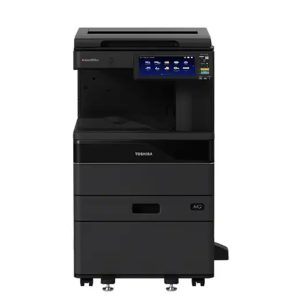
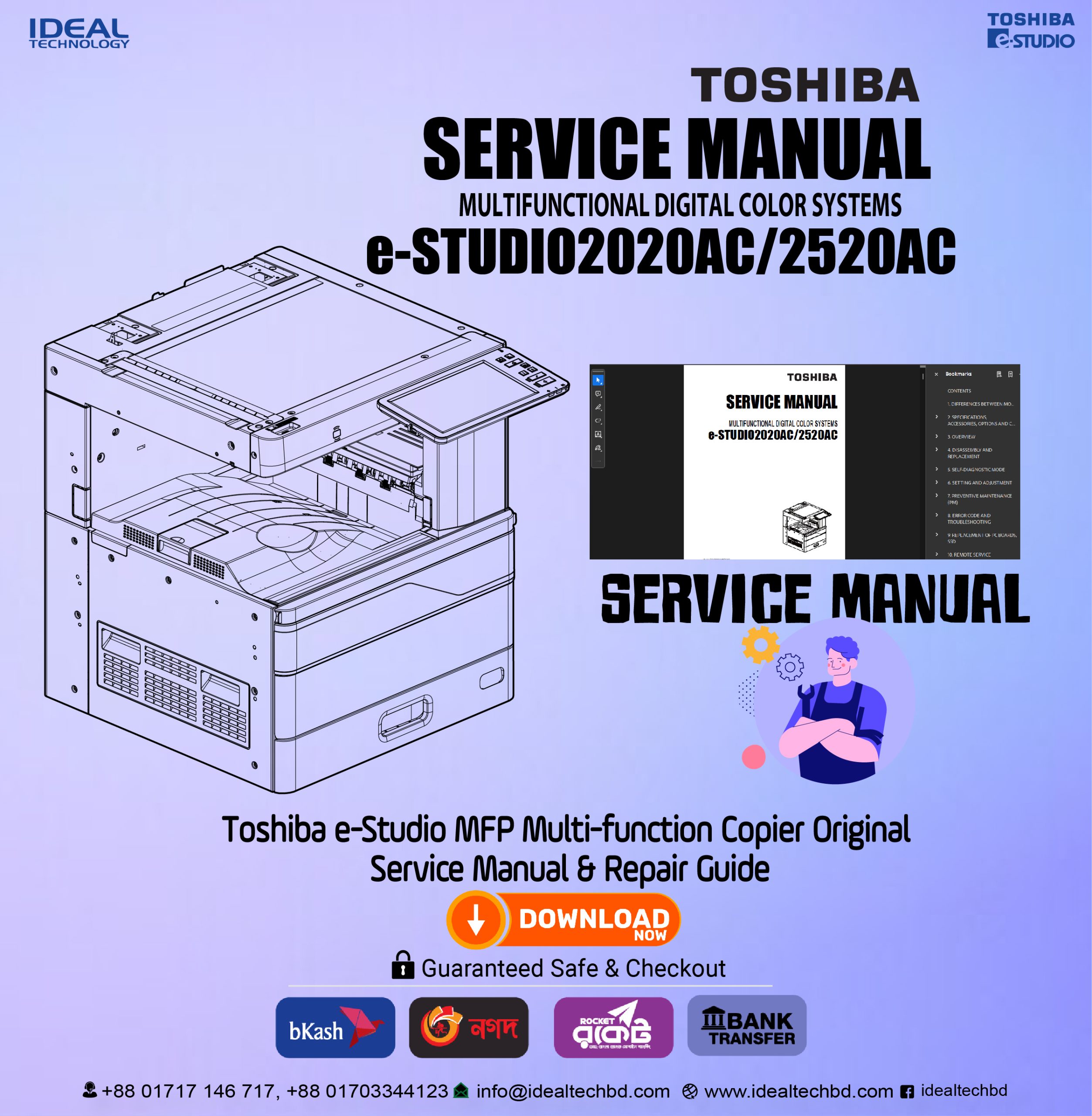
Toshiba e-Studio 2020AC, 2520AC Service Manual
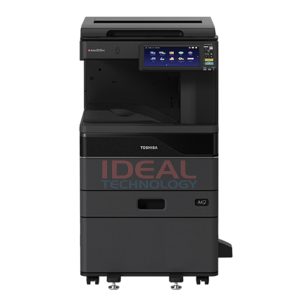
Toshiba e-Studio 2020AC, 2520AC Service Manual - Image 2
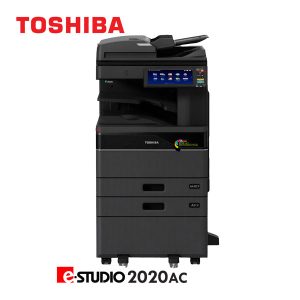
Toshiba e-Studio 2020AC, 2520AC Service Manual - Image 3

Toshiba e-Studio 2020AC, 2520AC Service Manual

Rated 0 out of 5
(0 Reviews) Write a review
Price ৳1,850.00
SKU FC-2520AC Service Manual
Brand Toshiba
Item Service Manual for Toshiba e-Studio 2020AC & 2520AC.
Status In Stock
Updated October 2023
Warranty No Warranty
WhatsApp

1,850.00৳ 

In stock
Buy now

Hotline & Support

+8801717146717 ( 09:00 AM - 07:00 PM )
+8801703344123 ( 24 Hours)

SKU: FC-2520AC Service Manual
Share:
  • Description
  • Additional information
  • Disclaimer
  • Reviews (0)

Description

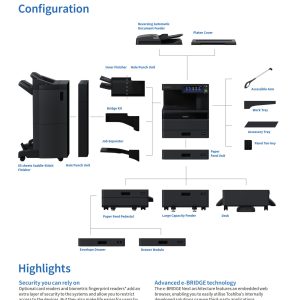
Includes all of the following documents:

  •  (FC-2520AC) Color MFP Copier Service Manual – 1097 Pages
  •  Parts List – 105 Pages
  • Circuit Diagrams – 301 Pages; 27 Pages
  • Self Diagnosis Code Manual – 446 Pages
  • Technical Bulletins

    Also included in addition to the above:

  • GD-1370 FAX Board Parts List, Service Manual
  • GM-1110 Electronic Key Service Manual
  • KD-1072 Paper Feed Pedestal Parts List, Service Manual
  • KD-1073 Large Capacity Feeder Parts List, Service Manual
  • KN-5005 Bridge Unit Parts List, Service Manual
  • MJ-1048 Inner Finisher Service Manual
  • MJ-1113 Finisher Parts List, Service Manual
  • MJ-1114 Saddle Finisher Parts List, Service Manual
  • MJ-5014 Job Separator Parts List, Service Manual
  • MJ-6011 Hole Punch Unit Service Manual
  • MJ-6107 Hole Punch Unit Service Manual
  • MP-2002 Large Capacity Feeder Parts List, Service Manual
  • MR-3033 RADF Service Manual
  • MY-1051 Paper Feed Unit Parts List, Service Manual
  • MY-1052 Additional Drawer Module Parts List
  • MY-1053 Envelope Drawer Parts List


File Size: 233 MB
Filetype: ZIP archive, Adobe Acrobat Document (PDF)

Additional information

Brand

Toshiba

Disclaimer

Availability: Stock availability is subject to change.
Please confirm availability before shopping by calling us.

Image: The product image is for illustration purposes only. The actual
product may vary in size, color, and layout. No claim will be
accepted for an image mismatch.

Product Price: "Toshiba Photocopier BD (Ideal Technology)" can change the price of any product at any
moment due to the volatile price of the technology.

Information: We cannot guarantee that the information on this page is 100%
correct. "Toshiba Photocopier BD (Ideal Technology)" is not responsible for the results
obtained from the use of this information.

 Help: +8801717146717 or 01703344123

Reviews

There are no reviews yet.

Be the first to review “Toshiba e-Studio 2020AC, 2520AC Service Manual” Cancel reply

Your email address will not be published. Required fields are marked *

Related products

Toshiba e-Studio 2020AC Color Photocopier Price in bangladeshBuy Toshiba e-Studio 2020AC Basic Colour MFP Copier Machine Price in Bangladesh
-18%
Quick View
Add to cart

Toshiba e-Studio 2020AC Color Photocopier Machines

125,000.00৳  Original price was: 125,000.00৳ .102,500.00৳ Current price is: 102,500.00৳ .
Add to cart
Quick View
Type: B&W Colour Multifunction Copier Print/ Copy Speed: 20 pages per minute Toner Yield: 25,000 @ 5% coverage Workgroup: Small to Medium Maximum Duty Cycle: 60,000 Month Optional Item: RADF/ DSDF/DSDF with DFD/ Paper Drawers/ Stapling/ Hole Punch/ Folding/ Fax Kit/ Envelope Cassette.eStudio-2020AC Color Photocopier
-8%
Quick View
Add to cart

Toshiba e-Studio 2020AC With Extra Drawer & RADF

202,500.00৳  Original price was: 202,500.00৳ .187,000.00৳ Current price is: 187,000.00৳ .
Add to cart
Quick View
Ideal Technology
  • DNCC Market (2nd Floor) , Suite: 107, Gulshan-2, Dhaka-1212
  • info@idealtechbd.com

+8801717146717

SHOPPING
  • Wishlist
  • Shop by Brand
  • Offers
  • Track order
  • Size Guide
INFOMATION
  • Track Order
  • Shipping & Returns
  • About us
  • Help
  • Gift Cards
ACCOUNT
  • Cart
  • My account
  • My orders
  • Wishlist
  • Affiliate Program

Didn't find what you were looking for?

Contact us

How can we help you today?

Help Center

We’d love to hear what you think!

Give Feedback

Copyright © Ideal Technology BD. All Rights Reserved

Payment Methods Accepted by Toshiba Photocopier BD – Cash, Card, Mobile Banking
  • Toshiba Photocopier BD
Menu
  • Monochrome Photocopier
  • Color Photocopier
  • Toner Cartridge
  • Spare Parts
    • Drum Unit
    • Developer Unit
    • Power Board
    • Optical Laser Unit
    • Printer & Scanner Enabler Kit
  • Support
    • Copier Firmware
    • Printer Driver
    • Service Manual
  • Services
  • Contact Us
  • About Us
  • Blog
Account
Search products
Popular search
Photocopier Toner Cartridge Spare Parts Support Blog Services
Back to Top
Product has been added to your cart
Close

Login

Forget Password?

You dont have an account yet? Register Now