

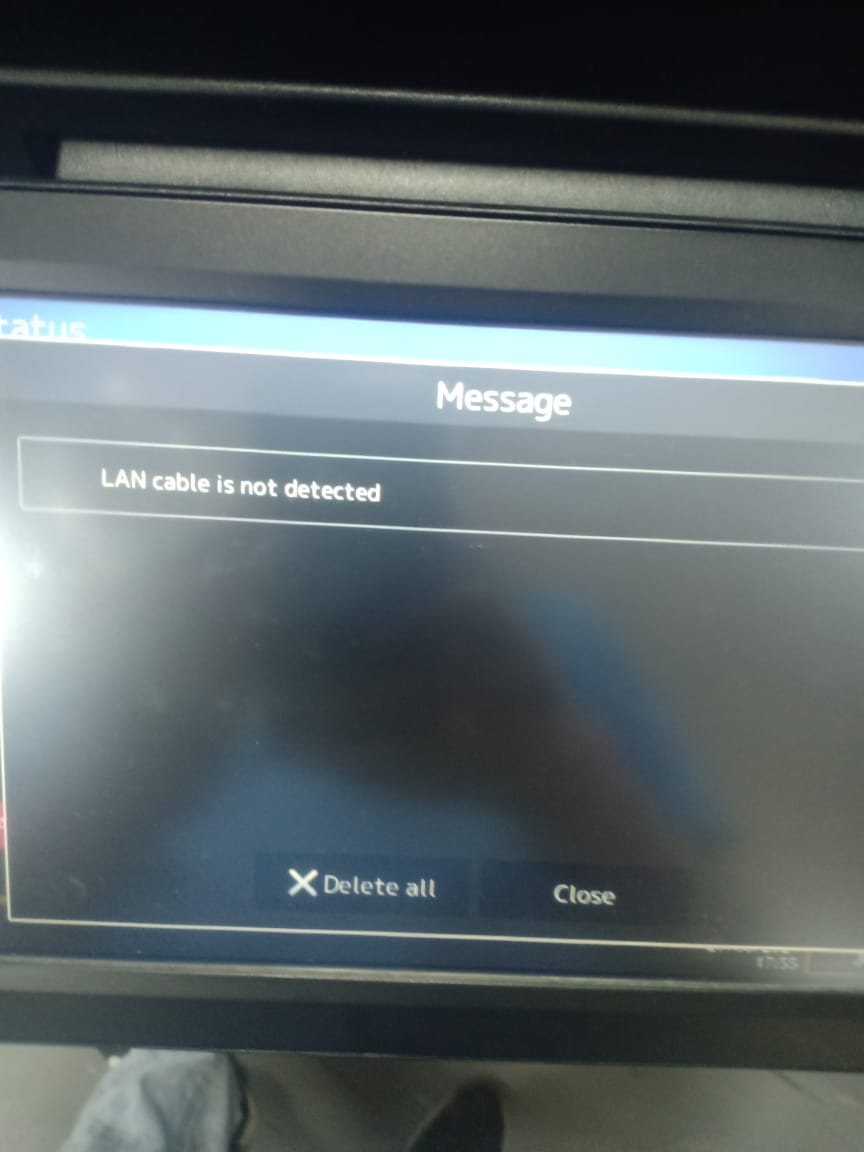
LAN CABLE IS NOT DETECTED – TOSHIBA E-STUDIO 2020AC/4528A/5525AC/2528A/3025AC/3028A
LAN CABLE IS NOT DETECTED – TOSHIBA E-STUDIO 2020AC/4528A/5525AC/2528A/3025AC/3028A
.
LAN Cable is Not Detected – Toshiba e-Studio Copier
When you encounter issues with your Toshiba e-Studio and find that the LAN cable is not being detected, it can be a frustrating experience. However, there are steps you can take to troubleshoot and resolve this issue without having to bring your device to a service center. In this article, we will discuss some common reasons why your LAN cable may not be detected and provide some tips on how to fix the problem.
Toshiba e-Studio Service Center in Bangladesh
If you are located in Bangladesh and are in need of service or support for your Toshiba e-Studio, Ideal Technology BD is here to help. With their expertise and experience in dealing with Toshiba devices, you can trust that your printer will be in good hands. Whether it’s a LAN cable issue or any other problem, Ideal Technology BD can provide you with the solutions you need to get your device up and running smoothly again.
Possible Reasons for LAN Cable Not Being Detected
There are several reasons why your LAN cable may not be detected by your Toshiba e-Studio. Some common causes include:
- Faulty LAN Cable: The most obvious reason for this issue could be a faulty LAN cable. Try swapping out the cable with a known working one to see if that resolves the problem.
- Loose Connection: Check to make sure that the LAN cable is securely plugged into both the printer and the network port. A loose connection can cause the cable to not be detected.
- Network Configuration Issue: Sometimes, the issue may not be with the LAN cable itself but with the network configuration settings on your Toshiba e-Studio. Double-check your network settings to ensure everything is set up correctly.
- Driver Problems: Outdated or corrupted printer drivers can also cause issues with detecting the LAN cable. Make sure your drivers are up to date and functioning properly.
How to Resolve the Issue
If you have determined that the LAN cable is not being detected on your Toshiba e-Studio, here are some steps you can take to try and resolve the problem:
- Check the Cable: Start by checking the LAN cable for any visible damage or signs of wear. If the cable appears to be in good condition, try using a different cable to see if the issue persists.
- Secure Connections: Ensure that the LAN cable is securely plugged into both the printer and the network port. Wiggle the cable slightly to make sure it is not loose.
- Restart the Printer: Sometimes, a simple restart of the printer can help in resolving connectivity issues. Turn off the printer, wait a few seconds, and then turn it back on.
- Update Drivers: If you suspect that outdated drivers may be the cause of the issue, visit the Toshiba website to download and install the latest drivers for your e-Studio model.
By following these troubleshooting steps, you can hopefully resolve the issue of the LAN cable not being detected on your Toshiba e-Studio.
In conclusion, dealing with a LAN cable that is not detected on your Toshiba e-Studio can be a frustrating experience. However, with the right troubleshooting steps and assistance from experts at Ideal Technology BD, you can get your device back up and running smoothly in no time. Don’t let connectivity issues slow you down – take action to resolve the problem and get back to printing efficiently.
Add a review
Your email address will not be published. Required fields are marked *