
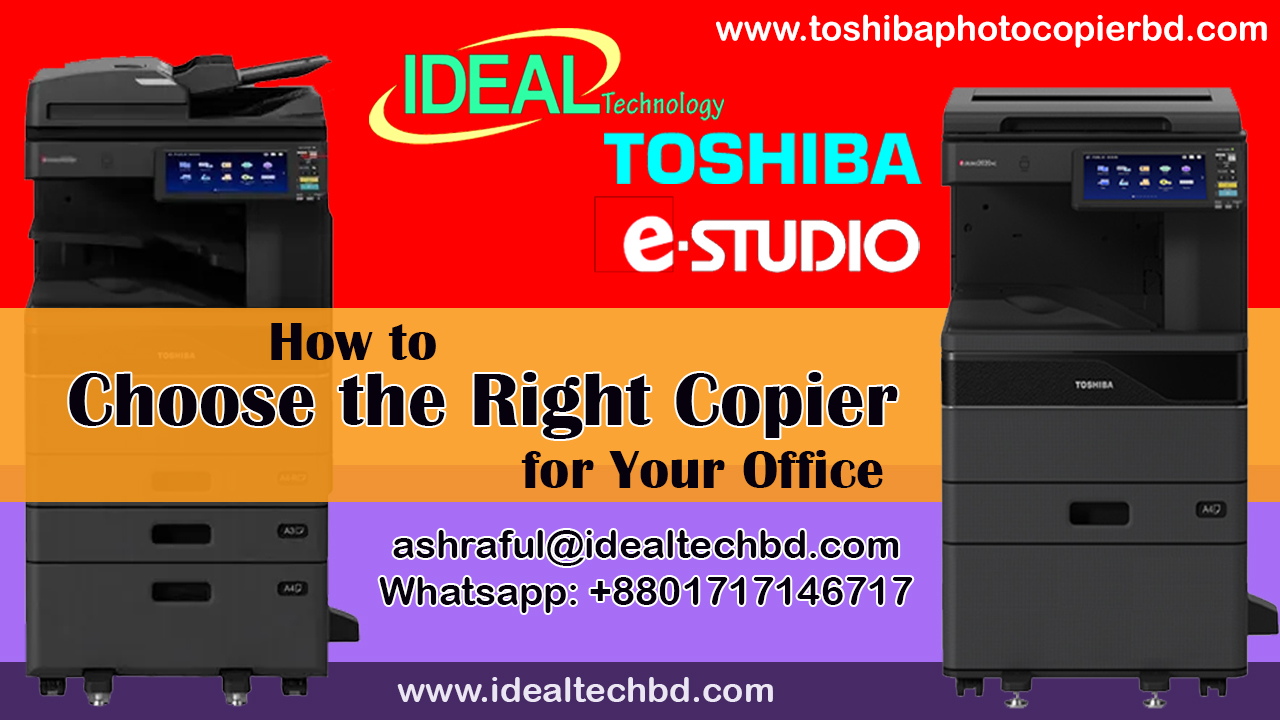
How to Choose the Right Copier for Your Office in Bangladesh
Choosing the right copier for your office is crucial for boosting productivity, saving costs, and meeting the needs of your team. In Bangladesh, with its growing business landscape, the demand for reliable, efficient, and cost-effective copiers is on the rise. Whether you are setting up a new office or upgrading your existing equipment, this guide will help you choose the right copier based on key factors such as functionality, cost, and service support in the Bangladeshi market.
Key Factors to Consider When Choosing a Copier for Your Office in Bangladesh
- Type of Copier: Multifunction or Single Function?
- Multifunction Printers (MFPs): These copiers combine printing, scanning, copying, and sometimes faxing, all in one machine. They are ideal for businesses with diverse needs, offering convenience and space savings. Popular models in Bangladesh include Canon, HP, Toshiba, and Xerox.
- Single-Function Copiers: If your business only needs to copy documents, a single-function copier might be a more cost-effective choice. However, multifunction devices are becoming increasingly popular due to their versatility.
- Volume and Speed: How Much Do You Print Daily?
- Low Volume: For small offices with limited printing needs, a copier with a print volume of up to 10,000 pages per month will suffice. Look for compact models that can handle everyday printing tasks.
- High Volume: Larger businesses with high print volumes should opt for high-speed copiers capable of printing 20,000+ pages per month. Models like the Toshiba e-Studio series and Xerox Phaser are excellent for high-demand environments.
- Pay attention to the print speed (pages per minute); for an efficient office, look for copiers with a speed of 20-50 pages per minute.
- Cost and Budget
- Initial Cost: Copiers can be expensive, especially multifunction models. However, many suppliers in Bangladesh offer affordable leasing and financing options to help you manage costs over time.
- Running Costs: In addition to the initial price, consider the cost of consumables like toner, ink, and paper. Some brands offer low-cost per page and high-yield toner options, making them more affordable in the long run.
- Maintenance: Factor in maintenance costs. Some brands offer extensive warranties and service packages to reduce the cost of repairs.
- Energy Efficiency
- Since power consumption can add up over time, choose energy-efficient copiers that are Eco-friendly and come with energy-saving features. Models with Energy Star certification are designed to minimize electricity usage.
- Service and Support
- Local Service Centers: In Bangladesh, it’s essential to buy from a reliable distributor or authorized dealer who offers after-sales support. Check for a service network in your area, as prompt maintenance and repair services are critical for minimizing downtime.
- Warranty and Service Contracts: Ensure the copier comes with a solid warranty and consider service contracts that cover regular maintenance and repairs to keep the machine running smoothly.
- Brand Reputation
- Choose a trusted brand with a strong presence in Bangladesh. Canon, Toshiba, Ricoh, and Xerox are popular choices, known for their quality and reliability. These brands have authorized dealers across the country, ensuring that parts and consumables are readily available.
- Customer Reviews: Read customer feedback and reviews from local businesses to get an idea of how well a particular copier model performs in the Bangladesh market.
- Features and Functionality
- Print Quality: Choose a copier with high print resolution for sharp, professional documents. For color printing, ensure the copier offers vibrant and consistent color output.
- Connectivity: Ensure the copier can integrate seamlessly with your office network. Look for models with Wi-Fi, Ethernet, and mobile printing capabilities for easy access and printing from smartphones and computers.
- User-Friendly Interface: A copier with an intuitive touchscreen and customizable interface can improve productivity by making it easy for employees to use.
- Size and Space Considerations
- For smaller offices or spaces with limited room, opt for compact models. Multifunction copiers can save space while still delivering all the essential features. Larger offices with dedicated spaces for copiers can consider floor-standing models for high-volume printing.
Popular Copier Brands and Models in the Bangladeshi Market
- Toshiba e-Studio Series
- Ideal for high-performance office environments, Toshiba e-Studio copiers offer multifunctionality, high-speed printing, and excellent print quality. They are well-regarded in Bangladesh for their reliability and affordability.
- Canon i-SENSYS Series
- Canon is a well-known name in the copier industry and offers a variety of affordable copiers with excellent print quality. Their i-SENSYS series is known for being compact, efficient, and cost-effective for small to medium-sized offices.
- Xerox Phaser and WorkCentre
- Xerox offers multifunction copiers and laser printers with high print speeds and exceptional color printing capabilities. Ideal for offices requiring high-volume printing with excellent customer support in Bangladesh.
- Ricoh MP Series
- Ricoh offers high-performance copiers that are well-suited for businesses with large printing needs. Known for their advanced features like mobile printing and cloud integration, Ricoh copiers are trusted by many offices in Bangladesh.
- HP LaserJet Pro Series
- HP is another popular brand offering cost-effective and reliable copiers with the added benefit of excellent customer support and easy integration with office networks.
Conclusion
Choosing the right copier for your office in Bangladesh involves balancing your office’s print volume, budget, and long-term needs. Whether you’re opting for a multifunction printer or a high-speed copier, remember to prioritize factors like energy efficiency, service support, and overall performance. By considering the factors mentioned above, you can make an informed decision that will contribute to the smooth functioning of your office operations and boost productivity in the long run.
Cost-Effective Photocopy Machines for Bangladeshi Businesses: Affordable Options for Every Budget
When choosing a photocopy machine for your business in Bangladesh, it’s important to strike a balance between cost-effectiveness, efficiency, and the long-term value a copier can offer. Whether you’re a small start-up, a mid-sized company, or a large corporation, finding the right photocopy machine that fits your budget and meets your office needs can be challenging, but it’s also essential for improving productivity and reducing costs.
In this blog, we’ll explore some cost-effective photocopy machines available in the Bangladeshi market in 2025, offering you high performance at affordable prices.
Factors to Consider Before Buying a Photocopier for Your Business in Bangladesh
Before diving into specific copier models, here are some key factors to consider when choosing a cost-effective photocopy machine:
- Print Volume: Determine how many pages your business prints per day or month. This will help you choose between small office models or high-volume commercial machines.
- Features: Look for multifunction printers (MFPs) that can also scan, print, and fax. These provide value by saving space and money.
- Maintenance and Running Costs: Consider the cost of toner, ink, paper, and maintenance. A cheaper copier upfront might have higher running costs.
- Energy Efficiency: Choose machines that are energy-efficient to reduce long-term electricity costs.
- Warranty and Service Support: Check for a solid warranty, reliable after-sales service, and local support options in Bangladesh.
Top Cost-Effective Photocopy Machines for Bangladeshi Businesses in 2025
Add a review
Your email address will not be published. Required fields are marked *