

Toshiba e-Studio 2508A/3008A/3508A/4508A/5008A Service Password Reset by Master Password Toshiba e-Studio 2518A/3018A/3518A/4518A/5018A Service Password Reset by Master Password Toshiba e-Studio 2618A/3118A/3618A/4618A/5118A Service Password Reset by Master Password Toshiba e-Studio 2000AC/2500AC Service Password Reset by Master Password  Toshiba e-Studio 2010AC/2510AC Service Password Reset by Master Password  Toshiba e-Studio 2110AC/2610AC Service Password Reset by Master Password  Toshiba e-Studio 2020AC/2520AC Service Password Reset by Master Password  Toshiba e-Studio 2528A/3028A/3528A/4528A Service Password Reset by Master Password Toshiba e-Studio 2525AC/3025AC/3525AC/4525AC Service Password Reset by Master Password Toshiba e-Studio 2505AC/3005AC/3505AC/4505AC/5005AC Service Password Reset by Master Password Toshiba e-Studio 2515AC/3015AC/3515AC/4515AC/5015AC Service Password Reset by Master Password Toshiba e-Studio 2615AC/3115AC/3615AC/4615AC/5115AC Service Password Reset by Master Password

Toshiba e-Studio 2508A/3008A/3508A/4508A/5008A Service Password Reset by Master Password

Toshiba e-Studio 2508A/3008A/3508A/4508A/5008A Service Password Master Key

Are you looking for a reliable and efficient way to secure your Toshiba e-Studio 2508A/3008A/3508A/4508A/5008A printer? Look no further, as we introduce the Service Password Master Key, a cutting-edge solution to protect your device and data.

What is the Service Password Master Key?

The Service Password Master Key is a unique code that provides access to the service menu of your Toshiba e-Studio printer. This key allows you to customize various settings, perform maintenance tasks, and troubleshoot any issues that may arise. It serves as an additional layer of security to prevent unauthorized access to sensitive information stored on your device.

How to Obtain the Service Password Master Key?

To obtain the Service Password Master Key for your Toshiba e-Studio printer, you can contact the manufacturer directly or reach out to authorized service providers. They will provide you with the necessary instructions to generate the key and ensure that your device remains secure at all times.

Benefits of Using the Service Password Master Key

  • Enhanced Security: By setting up the Service Password Master Key, you can protect your Toshiba e-Studio printer from unauthorized access and potential security breaches.
  • Customization Options: With the key, you have the flexibility to personalize settings according to your specific requirements and preferences.
  • Maintenance Assistance: The Service Password Master Key enables you to perform regular maintenance tasks and resolve any technical issues efficiently.

How to Use the Service Password Master Key?

Once you have obtained the Service Password Master Key for your Toshiba e-Studio printer, follow these simple steps to utilize its benefits:

  1. Access the service menu on your device by entering the Master Key code.
  2. Navigate through the menu options to customize settings, perform maintenance tasks, or troubleshoot issues.
  3. Remember to keep the Master Key code confidential and secure to prevent unauthorized access.

Conclusion

In conclusion, the Service Password Master Key is a valuable tool to enhance the security and functionality of your Toshiba e-Studio 2508A/3008A/3508A/4508A/5008A printer. By leveraging this unique code, you can ensure that your device operates smoothly and securely, without compromising on performance or data integrity.
Are you ready to take control of your printer’s security and maintenance? Obtain the Service Password Master Key today and experience the peace of mind that comes with knowing your device is protected.
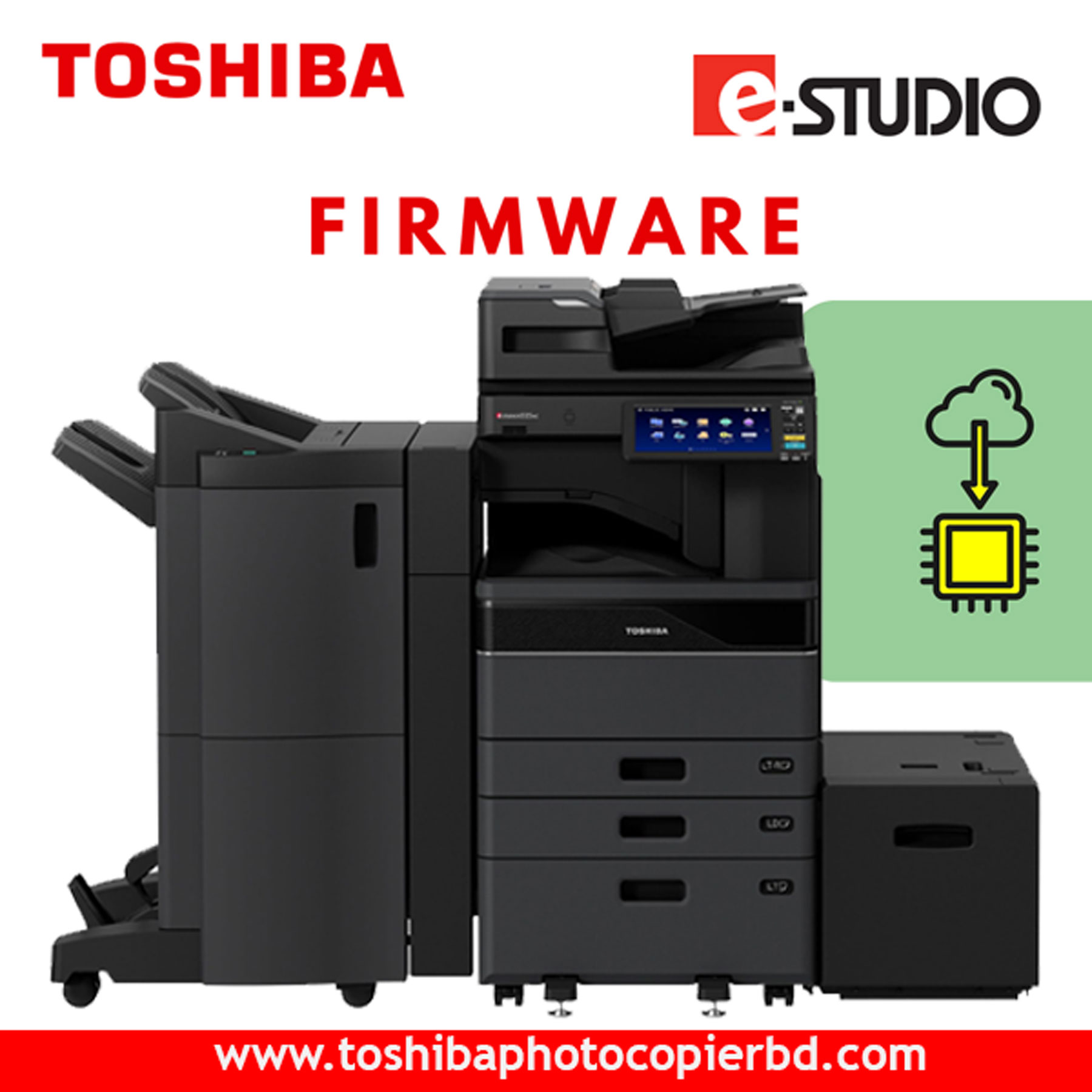
Toshiba 2528A-3028A-4528A Firmware Driver Download: Ensure Optimal Performance Are you facing issues with your Toshiba 2528A, 3028A, or 4528A printer? Is it not performing at its best? Don't worry, as we have the solution for you! By downloading the latest firmware drivers for your Toshiba printer, you can ensure optimal performance and smooth functioning. In this article, we will guide you on how to download the firmware drivers for your Toshiba printer, why it's essential to keep them updated, and how it can benefit you in the long run. Why Downloading Firmware Drivers is Important Firmware drivers are crucial for the proper functioning of any hardware device, including printers. They act as the communication bridge between the hardware and the software, ensuring that your printer operates smoothly and efficiently. By downloading and installing the latest firmware drivers for your Toshiba 2528A, 3028A, or 4528A printer, you can: Enhance the printer's performance and speed Fix bugs and glitches Improve compatibility with various operating systems Enhance security features Access new features and functionalities How to Download Toshiba 2528A-3028A-4528A Firmware Drivers Downloading the firmware drivers for your Toshiba printer is a simple and straightforward process. Here's how you can do it: Visit the official Toshiba website. Navigate to the support section and search for your printer model. Locate the firmware drivers for your specific printer model. Click on the download button to save the firmware drivers to your computer. Follow the on-screen instructions to install the firmware drivers on your printer. By following these steps, you can ensure that your Toshiba printer is running on the latest firmware, thus maximizing its performance and efficiency. Benefits of Updating Firmware Drivers Regularly Regularly updating the firmware drivers of your Toshiba printer brings numerous benefits, including: Improved performance and speed Enhanced reliability and stability Better print quality Increased security and protection against vulnerabilities Compatibility with the latest software updates By staying up to date with the latest firmware drivers, you can extend the lifespan of your Toshiba printer and ensure that it continues to deliver high-quality prints for years to come. Conclusion In conclusion, downloading and updating the firmware drivers for your Toshiba 2528A, 3028A, or 4528A printer is crucial for maintaining optimal performance and functionality. By following the simple steps outlined in this article, you can ensure that your printer operates at its best and meets all your printing needs. So, don't wait any longer – download the latest firmware drivers for your Toshiba printer today and enjoy hassle-free printing!

Toshiba 2021AC-2521AC Firmware Software Download: Everything You Need to Know

Are you looking to update the firmware software for your Toshiba 2021AC-2521AC device? In this article, we will guide you through the process of downloading the latest firmware software for your Toshiba device. Stay tuned to learn more about the importance of updating firmware, where to find the latest software, and how to install it seamlessly.

Why Update Firmware Software?

Firmware software plays a crucial role in the performance and functionality of your electronic devices. By updating the firmware, you can ensure that your device operates smoothly, efficiently, and securely. Firmware updates often include bug fixes, security enhancements, and new features that can enhance your user experience. Therefore, it is essential to regularly update the firmware software on your Toshiba 2021AC-2521AC device.

Where to Find the Latest Firmware Software

To download the latest firmware software for your Toshiba 2021AC-2521AC device, you can visit the official Toshiba website. Look for the support section on the website, where you can search for your specific device model and download the corresponding firmware update. Make sure to double-check the model number of your device to ensure that you are downloading the correct firmware software.
Alternatively, you can also find firmware software updates on reputable technology forums and websites. Be cautious when downloading firmware software from third-party sources, as it may not be authentic and could potentially harm your device. It is always best to download firmware software from official and trusted sources to avoid any compatibility issues or security risks.

How to Install Firmware Software

Once you have downloaded the latest firmware software for your Toshiba 2021AC-2521AC device, follow these steps to install it successfully:

  1. Connect your Toshiba device to your computer using a USB cable.
  2. Locate the downloaded firmware software file on your computer and copy it to your device’s storage.
  3. Disconnect your device from the computer and navigate to the settings menu on your device.
  4. Look for the software update option and select the firmware software file that you copied earlier.
  5. Follow the on-screen instructions to install the firmware software on your device.
  6. Once the installation is complete, restart your device to apply the changes.

Conclusion

In conclusion, updating the firmware software for your Toshiba 2021AC-2521AC device is essential to ensure optimal performance and security. By following the steps outlined in this article, you can easily download and install the latest firmware software for your device. Remember to always download firmware software from official sources to avoid any potential risks. Keep your device up to date and enjoy a seamless user experience with the latest firmware updates.
Don’t wait any longer – download the latest firmware software for your Toshiba 2021AC-2521AC device today and enhance your device’s performance and functionality.

Toshiba 2528A-3028A-4528A Firmware Driver Download: Ensure Optimal Performance Are you facing issues with your Toshiba 2528A, 3028A, or 4528A printer? Is it not performing at its best? Don't worry, as we have the solution for you! By downloading the latest firmware drivers for your Toshiba printer, you can ensure optimal performance and smooth functioning. In this article, we will guide you on how to download the firmware drivers for your Toshiba printer, why it's essential to keep them updated, and how it can benefit you in the long run. Why Downloading Firmware Drivers is Important Firmware drivers are crucial for the proper functioning of any hardware device, including printers. They act as the communication bridge between the hardware and the software, ensuring that your printer operates smoothly and efficiently. By downloading and installing the latest firmware drivers for your Toshiba 2528A, 3028A, or 4528A printer, you can: Enhance the printer's performance and speed Fix bugs and glitches Improve compatibility with various operating systems Enhance security features Access new features and functionalities How to Download Toshiba 2528A-3028A-4528A Firmware Drivers Downloading the firmware drivers for your Toshiba printer is a simple and straightforward process. Here's how you can do it: Visit the official Toshiba website. Navigate to the support section and search for your printer model. Locate the firmware drivers for your specific printer model. Click on the download button to save the firmware drivers to your computer. Follow the on-screen instructions to install the firmware drivers on your printer. By following these steps, you can ensure that your Toshiba printer is running on the latest firmware, thus maximizing its performance and efficiency. Benefits of Updating Firmware Drivers Regularly Regularly updating the firmware drivers of your Toshiba printer brings numerous benefits, including: Improved performance and speed Enhanced reliability and stability Better print quality Increased security and protection against vulnerabilities Compatibility with the latest software updates By staying up to date with the latest firmware drivers, you can extend the lifespan of your Toshiba printer and ensure that it continues to deliver high-quality prints for years to come. Conclusion In conclusion, downloading and updating the firmware drivers for your Toshiba 2528A, 3028A, or 4528A printer is crucial for maintaining optimal performance and functionality. By following the simple steps outlined in this article, you can ensure that your printer operates at its best and meets all your printing needs. So, don't wait any longer – download the latest firmware drivers for your Toshiba printer today and enjoy hassle-free printing!

Toshiba 2528A-3028A-4528A Firmware Driver download

Toshiba 2528A-3028A-4528A Firmware Driver Download: Ensure Optimal Performance

Are you facing issues with your Toshiba 2528A, 3028A, or 4528A printer? Is it not performing at its best? Don’t worry, as we have the solution for you! By downloading the latest firmware drivers for your Toshiba printer, you can ensure optimal performance and smooth functioning. In this article, we will guide you on how to download the firmware drivers for your Toshiba printer, why it’s essential to keep them updated, and how it can benefit you in the long run.

Why Downloading Firmware Drivers is Important

Firmware drivers are crucial for the proper functioning of any hardware device, including printers. They act as the communication bridge between the hardware and the software, ensuring that your printer operates smoothly and efficiently. By downloading and installing the latest firmware drivers for your Toshiba 2528A, 3028A, or 4528A printer, you can:

  • Enhance the printer’s performance and speed
  • Fix bugs and glitches
  • Improve compatibility with various operating systems
  • Enhance security features
  • Access new features and functionalities

How to Download Toshiba 2528A-3028A-4528A Firmware Drivers

Downloading the firmware drivers for your Toshiba printer is a simple and straightforward process. Here’s how you can do it:

  1. Visit the official Toshiba website.
  2. Navigate to the support section and search for your printer model.
  3. Locate the firmware drivers for your specific printer model.
  4. Click on the download button to save the firmware drivers to your computer.
  5. Follow the on-screen instructions to install the firmware drivers on your printer.
    By following these steps, you can ensure that your Toshiba printer is running on the latest firmware, thus maximizing its performance and efficiency.

Benefits of Updating Firmware Drivers Regularly

Regularly updating the firmware drivers of your Toshiba printer brings numerous benefits, including:

  • Improved performance and speed
  • Enhanced reliability and stability
  • Better print quality
  • Increased security and protection against vulnerabilities
  • Compatibility with the latest software updates
    By staying up to date with the latest firmware drivers, you can extend the lifespan of your Toshiba printer and ensure that it continues to deliver high-quality prints for years to come.

Conclusion

In conclusion, downloading and updating the firmware drivers for your Toshiba 2528A, 3028A, or 4528A printer is crucial for maintaining optimal performance and functionality. By following the simple steps outlined in this article, you can ensure that your printer operates at its best and meets all your printing needs. So, don’t wait any longer – download the latest firmware drivers for your Toshiba printer today and enjoy hassle-free printing!

Buy Toshiba e-Studio 2528A/3028A/3528A/4528A/6528A/7528A/5528A/2020AC/2520AC/2525AC/3025AC/4525AC/6525AC Copiers Firmware Download Now.

Call : +8801717146717 (Whatsapp, Wechat)

Search products
Back to Top
Product has been added to your cart