



Toshiba Copier Spare Parts and Accessories Best Price in Bangladesh 2025
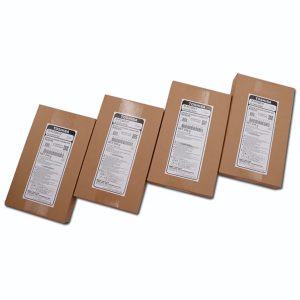
When maintaining your Toshiba photocopier, having access to high-quality, original spare parts is crucial. These components ensure your machine operates smoothly, providing consistent print quality and reducing downtime. At Ideal Technology (Toshiba Photocopier BD), you can find various original copier spare parts designed specifically for Toshiba photocopiers. Here’s a comprehensive guide to some of the most critical spare parts that can keep your Toshiba copier in top shape:
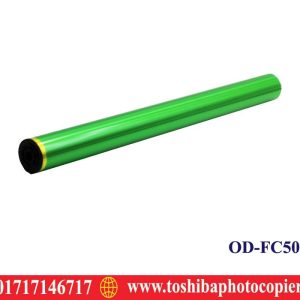
1. Drum
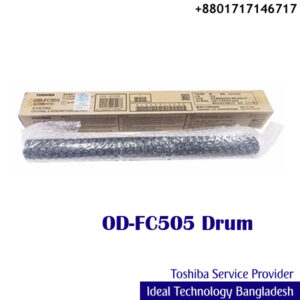
The drum is a vital component in the photocopying process. It holds an electrostatic charge that attracts toner and transfers the image onto paper. Over time, the drum can wear out, leading to poor print quality or fading images. Replacing the drum with an original Toshiba part ensures consistent, high-quality prints.
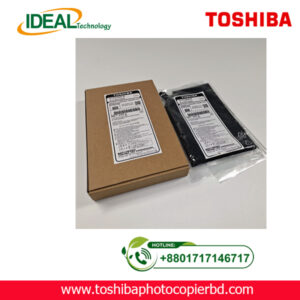
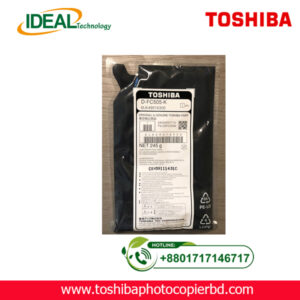
2. Developer
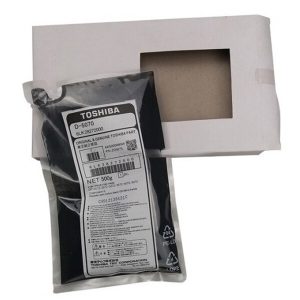
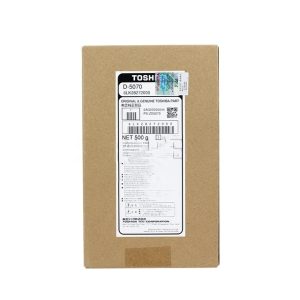
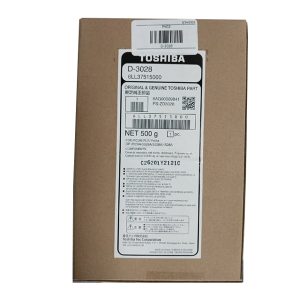
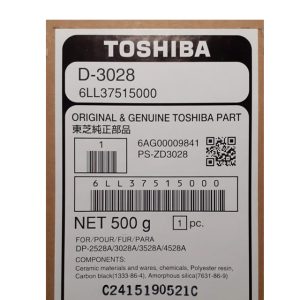
The developer mixes the toner with the charged drum to produce a clear image. If the developer is worn out or damaged, it can affect the overall quality of prints. Replacing it with an original part guarantees better performance and fewer printing issues.
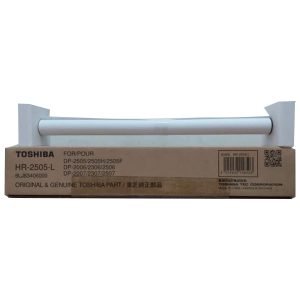
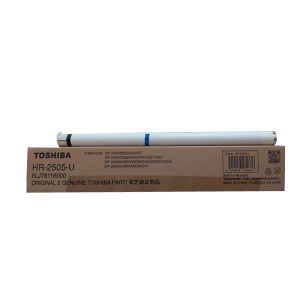
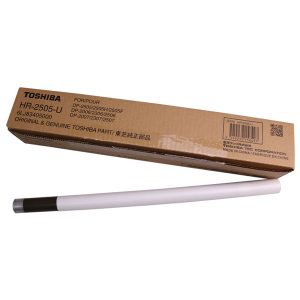
3. Fuser Roller
The fuser roller helps bond the toner to the paper during printing. A damaged or worn-out fuser roller can result in toner smudging or poor print quality. Replacing the fuser roller will ensure your copier produces sharp, smudge-free prints.
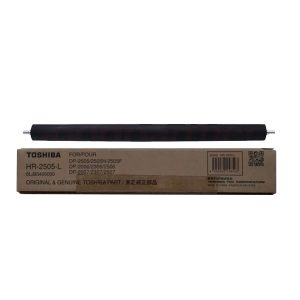
4. Pressure Roller
Working closely with the fuser roller, the pressure roller helps ensure that the toner adheres to the paper under heat and pressure. If your pressure roller becomes worn out or damaged, it could result in issues like paper jams, smudged prints, or incomplete images. Replacing the pressure roller will restore your copier’s print quality.
5. Scraper Parts
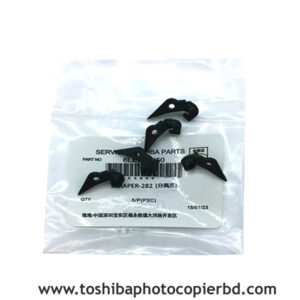
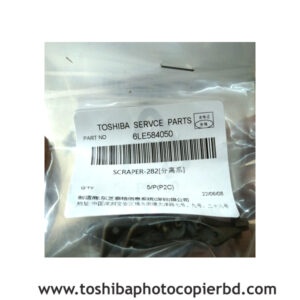
Scraper parts work with the drum and developer to remove excess toner. Over time, these parts can wear down or become clogged, affecting the quality of prints. Replacing the scraper ensures that only the right toner is used, improving the overall print quality.
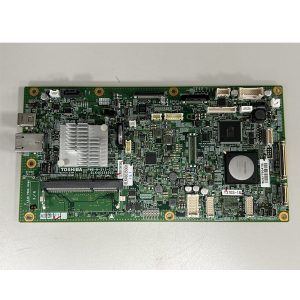
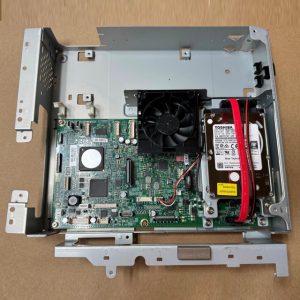
6. System board
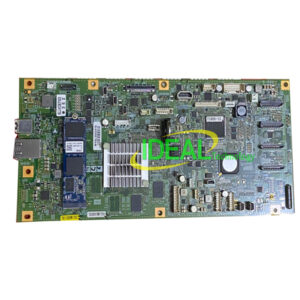
The system board is the heart of your Toshiba copier, controlling and managing all of its functions. If the system fails, your copier may stop working entirely. Replacing a faulty system ensures that your copier runs smoothly and efficiently.
7. Motherboard
The motherboard in your Toshiba copier connects and communicates with other essential components like the system board, motors, and sensors. A malfunctioning motherboard can cause various issues, including slow operation and error messages. Replacing the motherboard can restore your copier to its optimal condition.
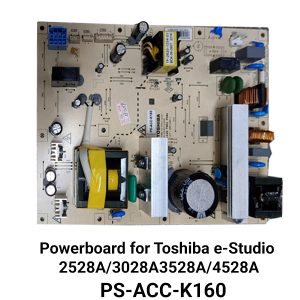
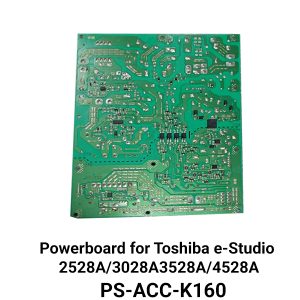
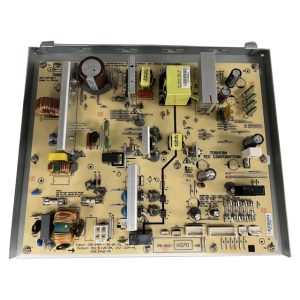
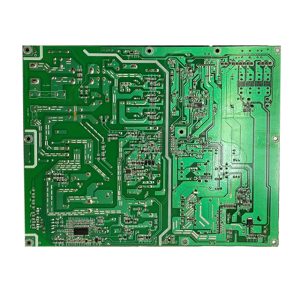
8. Powerboard
The powerboard regulates the power supply to different parts of your copier. If the powerboard fails, your copier may fail to start or experience power fluctuations. Replacing the powerboard ensures stable power distribution, allowing the copier to perform consistently.
9. Pickup Roller
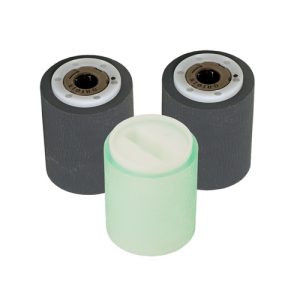
The pickup roller is responsible for pulling paper into the copier for printing. A worn-out pickup roller can cause paper jams, misfeeds, or no paper being fed into the machine. Replacing this part can resolve these common paper feed issues.
10. Feed Roller
The feed roller moves the paper through the copier. If worn out or dirty, it can lead to paper misfeeds, jams, or delays in printing. Replacing the feed roller will ensure smooth and efficient paper handling.
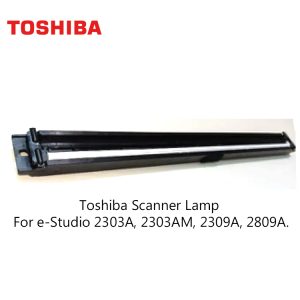
11. Scanner Unit
The scanner unit captures the image to be copied or printed. If the scanner unit is damaged, the copier may be unable to produce accurate scans or prints. Replacing the scanner unit ensures crisp, high-quality image transfers.
12. CIS Unit
The Contact Image Sensor (CIS) unit scans and captures images from documents. If the CIS unit malfunctions, you may experience poor scan quality or errors when copying documents. Replacing the CIS unit guarantees that your copier continues to deliver sharp, high-resolution scans.
13. Laser Unit
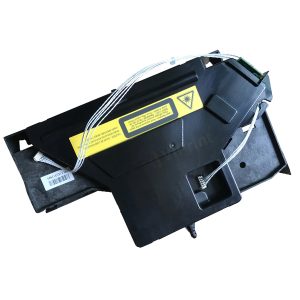
The laser unit plays a crucial role in printing by scanning the drum and transferring the image onto it. A damaged laser unit can lead to inconsistent or faint prints. Replacing the laser unit ensures accurate and precise image reproduction.
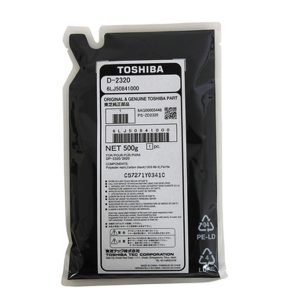
14. Developer Unit
The developer unit contains the toner and developer. If this unit is not functioning correctly, it can lead to issues with toner distribution and poor print quality. Replacing the developer unit ensures smooth toner transfer and high-quality prints.
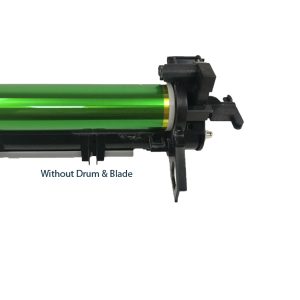
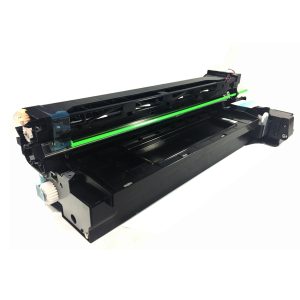
15. Drum Unit
The drum unit integrates the drum, developer, and other critical components. Any part of the drum unit that becomes damaged or worn can significantly affect print quality. Replacing the drum unit with an original part guarantees consistent, professional-quality prints.
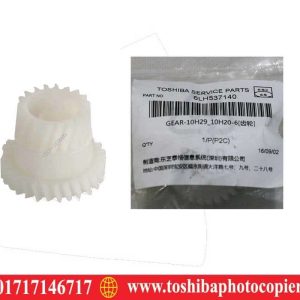
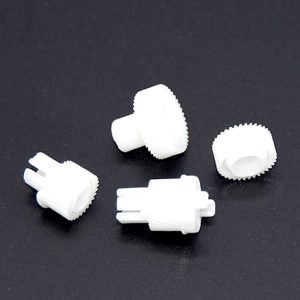
16. Developer Gear
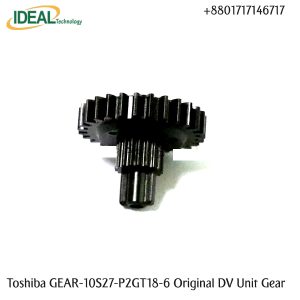
The developer gear connects the developer unit with the copier’s other components. A malfunctioning developer gear can cause issues with toner distribution and print quality. Replacing this part ensures proper gear alignment and toner flow.
17. Color Developer
The color developer works with the toner in color copiers to produce high-quality color prints. A worn-out color developer can cause color inconsistencies or poor print quality. Replacing the color developer ensures vibrant, true-to-life color prints. Cyan, Magenta, Yellow ,and Black
18. Main Motor
The main motor drives several key components, including the paper feed, fuser, and drum. A malfunctioning main motor can result in slow operation or complete failure of the copier. Replacing the motor restores full functionality to your copier.
19. Color Bush
The color bush ensures the smooth operation of the copier’s color components. If the color bush becomes damaged or worn, it can cause poor color reproduction or mechanical issues. Replacing it ensures smooth color handling and consistent print quality.
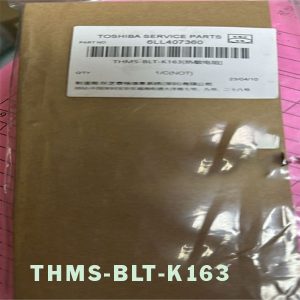
20. Thermistor
The thermistor regulates the temperature of the fuser unit, ensuring that the toner is bonded correctly to the paper. A faulty thermistor can result in overheating, paper jams, or poor print quality. Replacing the thermistor ensures that your copier’s temperature stays within the correct range for optimal printing results.