Toshiba Printer Default Passwords TopAccess
It seems like you’re sharing information about Toshiba printer default usernames and passwords, along with some procedures for resetting the passwords or accessing the service mode. Here’s a summary of the key points for Toshiba printers:
Default Username and Password
- Username:
admin - Password: (blank)
General Rules for Printer Passwords
- Most Toshiba printers have the same username and password (e.g., both “admin” and “123456”) to access the Machine Administrator mode, but this can vary depending on the specific model.
- If the default password doesn’t work, try the following reset methods.
Password Reset Methods
- To reset the password:
- Power on the printer while holding
08, then type263. - Input the new password and press.
ENTER. - Power off the printer.
- Power on the printer while holding
- To access Service Mode (08):
- Press
OK.
- Press
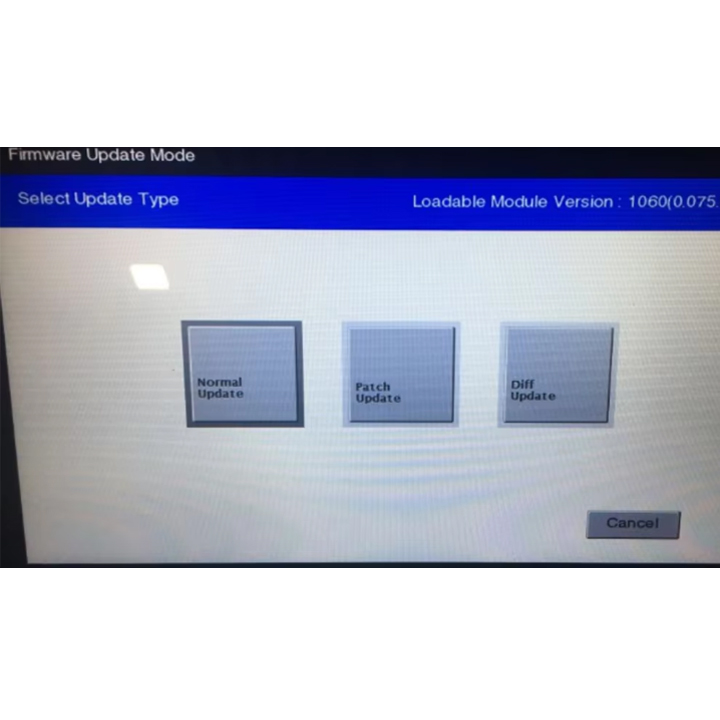
- Hard reset to restore default passwords (including service and admin passwords):
- This will reset the administrator password and the service password.
- Important: This will wipe all user data from the machine!
TopAccess Username and Password (for Web Access)
- For certain Toshiba models, the default credentials are:
- Username:
Admin - Password:
123456
- Username:
Printer Models and Default Passwords
- E-Studio Models:
- E-Studio 287cs, 2500c, 2555c, 3530C, 2540C, 4540c, and others: Username
Admin, Password123456
- E-Studio 287cs, 2500c, 2555c, 3530C, 2540C, 4540c, and others: Username
- Other Models (2000AC, 2500AC, etc.): Specific username and password details will likely follow similar patterns.
Important Note:
If you’re resetting a printer, back up any data beforehand, as a reset will erase all existing configurations.