
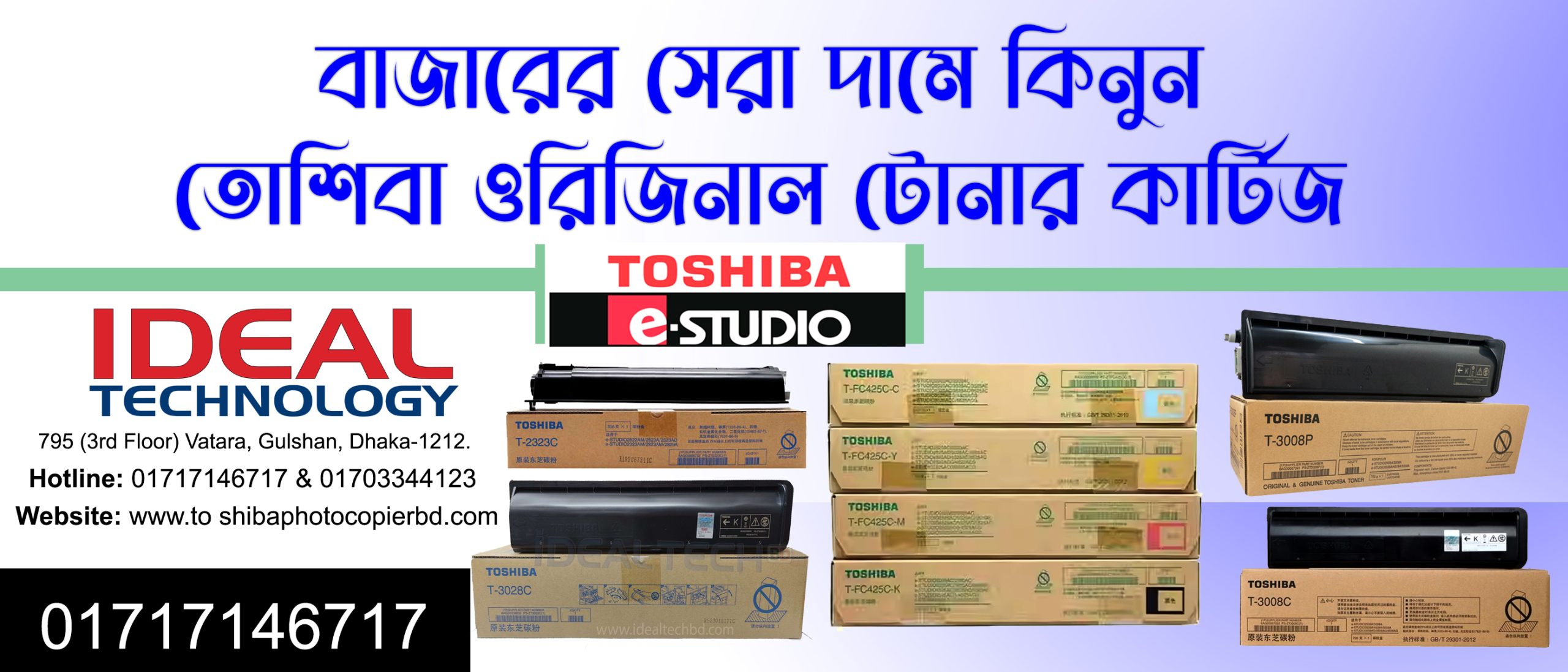
সবথেকে কম মূল্যে তোশিবা ওরিজিনাল টোনার কার্টিজ কিনুন আইডিয়াল টেকনোলজি থেকে

সবথেকে কম মূল্যে তোশিবা ওরিজিনাল টোনার কার্টিজ কিনুন আইডিয়াল টেকনোলজি থেকে

Introduction

Are you tired of spending a fortune on printer toner cartridges? Look no further! Ideal Technology brings you the perfect solution to all your printing needs. With our range of affordable, original Toshiba toner cartridges, you can now enjoy high-quality prints without breaking the bank. In this article, we will explore why you should choose Ideal Technology for your Toshiba toner cartridge purchases and how we can provide you with the best printing experience.

Why Choose Ideal Technology?

Affordable Prices without Compromising Quality

At Ideal Technology, we understand the importance of cost-effective printing solutions. That’s why we offer the lowest prices in the market for original Toshiba toner cartridges. You no longer have to worry about spending exorbitant amounts on printing supplies. With us, you can achieve professional-quality prints at a fraction of the cost, making printing more accessible to everyone.

Genuine Toshiba Toner Cartridges

When it comes to printing, using genuine toner cartridges is essential to ensure optimal performance and longevity of your printer. At Ideal Technology, we only provide 100% original Toshiba toner cartridges. You can trust that our cartridges are designed specifically for Toshiba printers, guaranteeing compatibility and superior print quality. Say goodbye to blurry prints and faded colors with our genuine toner cartridges.

Hassle-free Ordering Process

We believe in providing our customers with a seamless shopping experience. With our user-friendly website, you can easily browse through our extensive collection of Toshiba toner cartridges and select the one that suits your printer model. Our secure payment gateway ensures that your transactions are safe and protected. We also offer prompt delivery services, so you can receive your toner cartridges right at your doorstep.

Unparalleled Customer Support

At Ideal Technology, we value our customers and strive to provide the best customer support in the industry. Our team of knowledgeable professionals is always ready to assist you with any queries or concerns you may have. Whether you need help with choosing the right toner cartridge or troubleshooting printer issues, our experts are here to provide you with the assistance you need. We believe in building long-term relationships with our customers by delivering exceptional service.

Buy Your Original Toshiba Toner Cartridges Today!

Don’t let high printing costs hold you back. With Ideal Technology, you can enjoy the benefits of original Toshiba toner cartridges at the lowest prices in the market. Experience the perfect blend of affordability and quality with our range of toner cartridges. Say goodbye to expensive prints and say hello to cost-effective printing solutions. Place your order today and revolutionize your printing experience!
How to Solution Toshiba Error Call for Service F101 Introduction If you are facing the Toshiba error call for service F101 on your Toshiba device, you may be wondering how to resolve this issue. In this article, we will provide you with a step-by-step guide on how to troubleshoot and fix this error, ensuring that your Toshiba device is back up and running smoothly. SEO meta-description (max. 155 characters): Learn how to resolve the Toshiba error call for service F101 with our comprehensive guide. Get your Toshiba device running smoothly again! Understanding Toshiba Error Call for Service F101 Before we delve into the solution, it's important to understand what the Toshiba error call for service F101 means. This error message typically appears when there is an issue with the device's fuser unit, which is responsible for heating and bonding the toner to the paper. Troubleshooting Steps Check for Paper Jams Sometimes, paper jams can trigger the F101 error. Check if there are any obstructions in the paper path. Remove any stuck paper carefully. Restart the device and see if the error message persists. Reset the Device A simple reset can often fix minor glitches. Turn off the device and unplug it from the power source. Wait for a few minutes, then plug it back in and power it on. This can reset the internal components and resolve the error. Inspect the Fuser Unit The F101 error usually indicates a problem with the fuser unit. Check if there is any damage or malfunction in this component. It is recommended to consult the user manual or contact Toshiba support for guidance on how to safely access the fuser unit. Clean the Fuser Unit Over time, dirt and debris can accumulate inside the fuser unit, leading to issues. Turn off the device and allow it to cool down completely. Once cooled, gently clean the fuser unit using a soft, lint-free cloth. Avoid using any liquids as they may damage the unit. Ensure that the fuser unit is clean and free from any obstructions. Replace the Fuser Unit If cleaning the fuser unit does not resolve the error, it may be necessary to replace it. Contact Toshiba support or locate an authorized service center to acquire a new fuser unit. Follow the manufacturer's instructions or seek professional assistance to safely replace the unit. Update Firmware and Drivers Outdated firmware or drivers can sometimes cause errors on Toshiba devices. Visit the official Toshiba website and check for any available updates for your specific device model. Download and install any firmware or driver updates as recommended by Toshiba. Restart the device and check if the error message persists. Contact Toshiba Support If none of the above steps resolve the F101 error, it is advisable to contact Toshiba support for further assistance. They have the expertise to diagnose and troubleshoot complex issues, providing you with the best possible solution. Conclusion Facing the Toshiba error call for service F101 can be frustrating, but with the right steps, you can overcome this issue. By following our troubleshooting guide, you can resolve the error and ensure that your Toshiba device is functioning optimally once again. Remember, if you encounter any difficulties or are unsure about any step, don't hesitate to seek professional assistance from Toshiba support. Remember, when it comes to fixing errors, patience and careful execution are key. Happy troubleshooting! Click-worthy short title: Troubleshooting Toshiba Error Call for Service F101: Resolving the Issue for Smooth Device Functioning

Call For Service F101_0 , 1, 2,3

How to Solution Toshiba Error Call for Service F101

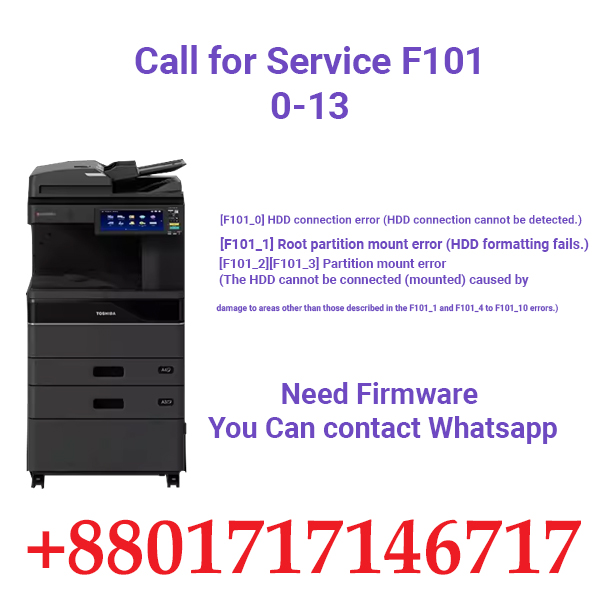
[F101_0] HDD connection error (HDD connection cannot be detected.)

[F101_1] Root partition mount error (HDD formatting fails.)

[F101_2][F101_3] Partition mount error (The HDD cannot be connected (mounted) caused by

damage to areas other than those described in the F101_1 and F101_4 to F101_10 errors.)

Classification

Contents

Other service call

HDD unmounted: The connection of HDD cannot be detected.

Sub-code 0: HDD connection error (HDD connection cannot be

detected.)

Sub-code 1: Root partition mount error (HDD formatting fails.)

Sub-code 2, 3: Partition mount error (The areas other than

those described in the F101_1 and F101_4 to F101_10 errors

are damaged.)

Check item

Measures

HDD, SYS board, Setting

1. Turn the power of the equipment OFF and check the

connection of the HDD.

– Connector and harness check

– Check if the connector pins of the HDD are bent.

– Check if HDD for other equipment is not installed.

– Check if SRAM for other equipment is not installed.

2. If the error still occurs after step 1, perform the following.

– Perform HS-73 Firmware Assist mode -> Key

Backup/Restore and check that each Key Status is

“OK”.

– If not, recover the key (press [Key] and select the

menu, and then press [Execute]).

3. If the error still persists after step 2, perform the

following.

– Perform HS-73 Firmware Assist mode -> Format

HDD, and then install “System software” (HS-49

Firmware Update mode -> SYSTEM SOFTWARE

(HD Data)).

8

Notes:

The following items will be deleted by HS-73

Firmware Assist mode -> Format HDD.

• Message Log

• Job  Log

• Spool Data (Print, Email reception)

• Template

If F101_1 occurs with a secure HDD or the error

persists after performing step 3, perform step 3 after

performing HS-74 HDD Assist mode -> Revert

Factory Initial Status HDD.

4. If the error persists even after step 3, replace the HDD.

5. If the error persists even after step 4, replace the HDD

harness.

6. If the error persists even after step 5, replace the SYS

board.

Replacement part

Remark

HDD

HDD harness

SYS board

Introduction

If you are facing the Toshiba error call for service F101 on your Toshiba device, you may be wondering how to resolve this issue. In this article, we will provide you with a step-by-step guide on how to troubleshoot and fix this error, ensuring that your Toshiba device is back up and running smoothly.

Understanding Toshiba Error Call for Service F101

Troubleshooting Steps

  1. Update Firmware and Drivers
    Outdated firmware or drivers can sometimes cause errors on Toshiba devices. Visit the official Toshiba website and check for any available updates for your specific device model. Download and install any firmware or driver updates as recommended by Toshiba. Restart the device and check if the error message persists.
  2. Contact Toshiba Support
    If none of the above steps resolve the F101 error, it is advisable to contact Toshiba support for further assistance. They have the expertise to diagnose and troubleshoot complex issues, providing you with the best possible solution.

Toshiba Copier & Mfps Service Center in Bangladesh: Professional Solutions for Your Office Needs

Toshiba Copier & MFPs Service Center in Bangladesh:

Toshiba Copier & Mfps Service Center in Bangladesh: Professional Solutions for Your Office Needs

Are you searching for a reliable and trustworthy Toshiba copier and MFP authorized service center in Bangladesh? Look no further! Our expert team of technicians is here to provide you with top-notch service and support for all your office equipment needs.

An Unmatched Experience in Copier and MFP repair in Bangladesh

With years of experience in the industry, we have developed a reputation for excellence in copier and MFP repair. Our team of highly skilled technicians is trained and certified to work on all models of Toshiba copiers and MFPs, ensuring that your equipment is in capable hands.
From minor repairs to major overhauls, we have the expertise to handle any issue that may arise with your Toshiba copier or MFPs. Whether it’s a simple paper jam or a complex software malfunction, our technicians will diagnose and fix the problem efficiently and effectively, minimizing downtime and maximizing productivity for your business.

Expertise in Copier and MFPs Maintenance – Ideal Technology BD

Prevention is always better than cure, especially when it comes to office equipment. That’s why our service center also offers comprehensive maintenance services for your Toshiba copiers and MFPs. Regular maintenance not only extends the lifespan of your equipment but also ensures optimal performance and reduces the risk of breakdowns.
Our expert technicians will conduct thorough inspections, cleanings, and adjustments to keep your Toshiba copier or MFP running smoothly. We will also provide valuable recommendations on how to optimize your equipment’s performance and minimize potential issues in the future.

The Authority in Genuine Toshiba Parts and Supplies in Bangladesh

When it comes to repairing and maintaining your Toshiba copier or MFPs, using genuine parts and supplies is crucial. As an authorized service center, we have direct access to a wide range of genuine Toshiba parts and supplies, ensuring that your equipment receives the highest quality components.
Using genuine parts not only guarantees the best performance and longevity for your Toshiba copier or MFPs but also protects your investment. Non-genuine or counterfeit parts may compromise the integrity of your equipment, leading to more frequent repairs and potential damage.

Trustworthy Service and Support – Ideal Tech Bangladesh

At our Toshiba copier and MFP service center, trust is at the core of everything we do. We understand that your office equipment is essential for your business operations, and any downtime can have a significant impact on productivity and profitability.
That’s why we strive to provide prompt and reliable service to our customers. Our team is dedicated to resolving issues quickly and efficiently, ensuring that your Toshiba copier or MFPs are up and running in no time. We also offer ongoing support and assistance, so you can always count on us to address any questions or concerns you may have.

Conclusion

When it comes to servicing your Toshiba copier or MFPs in Bangladesh, choosing an service center is vital. With our unmatched experience, expertise, authority in genuine parts, and commitment to trustworthy service, we are the premier choice for all your office equipment needs.
Contact our Toshiba copier and MFPs authorized service center today and experience the difference of working with a team of professionals who are dedicated to providing you with exceptional service and support. Elevate your office productivity by partnering with us for all your Toshiba copier and MFPs repair, maintenance, and support needs

Search products
Back to Top
Product has been added to your cart