
News about our company
and fashion world!

Toshiba Photocopy Service Center in Bangladesh

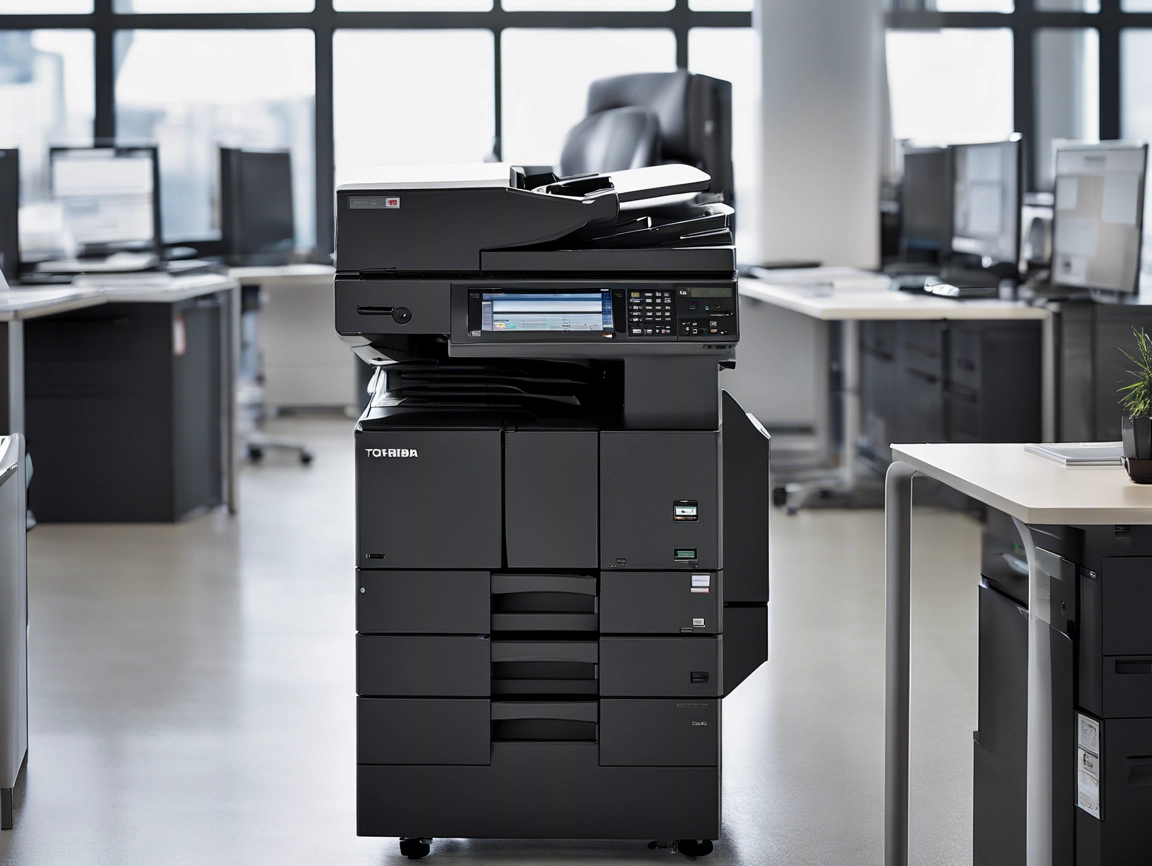
Toshiba e-Studio 2528A Photocopier Service Center in Bangladesh

Are you looking for reliable service for your Toshiba e-Studio photocopier in Bangladesh? Look no further! The Toshiba e-Studio 2528A is a top-of-the-line photocopier that requires expert maintenance and repair services to ensure maximum performance. At our service center in Bangladesh, we specialize in servicing not only the 2528A model but also other popular models such as the 3028A, 3528A, and 4528A. Let’s dive into why choosing our service center for your Toshiba e-Studio photocopier needs is the best decision you can make.

Why Choose Our Service Center?

When it comes to servicing your Toshiba e-Studio photocopier, you want to make sure you are entrusting it to experienced professionals. Our service center in Bangladesh has a team of skilled technicians who are well-versed in handling all types of maintenance and repair tasks for the Toshiba e-Studio 2528A and other models. We understand the intricacies of these machines and have the expertise to address any issues effectively.

Services We Offer

  • Maintenance: Regular maintenance is crucial for keeping your Toshiba e-Studio photocopier running smoothly. Our service center offers comprehensive maintenance services to ensure optimal performance and longevity of your machine.
  • Repairs: In the unfortunate event that your photocopier breaks down, our technicians are equipped to handle repairs efficiently. Whether it’s a minor issue or a major malfunction, we will diagnose the problem and provide a quick and effective solution.
  • Parts Replacement: Should any parts of your Toshiba e-Studio photocopier need replacement, we have access to genuine Toshiba parts to ensure quality and compatibility with your machine.

Experience You Can Trust

With years of experience in servicing Toshiba e-Studio photocopiers, our service center has built a reputation for excellence in Bangladesh. We take pride in delivering top-notch services to our customers and guarantee satisfaction with every job we undertake.

How to Contact Us

If you are in need of service for your Toshiba e-Studio photocopier, don’t hesitate to reach out to us. You can visit our service center in Bangladesh or contact us through phone or email to schedule an appointment. Trust us to keep your photocopier in peak condition and experience the difference our expertise can make!
In conclusion, when it comes to servicing your Toshiba e-Studio 2528A photocopier in Bangladesh, our service center is your go-to destination for reliable and professional assistance. Whether it’s maintenance, repairs, or parts replacement, our experienced technicians have got you covered. Contact us today and let us take care of all your Toshiba e-Studio photocopier needs with efficiency and expertise.

For Service Request – 01717146717 or Whatsapp
“আইডিয়াল টেকনোলজি” টেক পণ্য রিটার্ন ও রিফান্ড পলিসি


  • শপ থেকে পণ্য ক্রয়ের ক্ষেত্রে অবশ্যই শপে বিক্রয়কর্মীর সামনে চেক করে কিনবেন। পরবর্তীতে সমস্যা হলে যদি পণ্যে ওয়ারেন্টি থাকে তবে তা ওয়ারেন্টির আওতাভুক্ত হবে।
  • অনলাইন অর্ডারের ক্ষেত্রে পণ্য ডেলিভারি পাবার পর পণ্যে মেনুফেকচারিং ত্রুটি থাকলে আমাদের হটলাইনে ২৪ ঘন্টার মধ্যে জানাতে হবে। তবে অবশ্যই সে পণ্যের গায়ে কোন স্ক্র্যাচ ফেলা যাবে না এবং পণ্যের বক্স খোলা হলে তা অন্যথায় তা পরিবর্তনযোগ্য নয়। 
  • অনলাইন অর্ডার এর পণ্য ডেলিভারি ম্যান থেকে রিসিভ করার পর যদি বক্স দেখে মনে হয় তা আপনার অর্ডারক্রীত পণ্য না তাহলে বক্স খুলে বা পণ্য ব্যবহার করলে এবং বক্স নষ্ট করলে সেই পণ্য পরবর্তীতে পরিবর্তনযোগ্য হবে না। 
  • পন্য কেনার আগে পন্য ভালো ভাবে দেখে নিতে হবে, কোন সমস্যা থাকলে সাথে সাথে বলতে হবে, পরবর্তিতে  এক্ষেত্রে পরিবর্তন করে দেওয়া হবে না।
  • ক্রেতা যদি ডেলিভারি ম্যান এর মাধ্যমে ত্রুটিযুক্ত পণ্য পরিবর্তন করতে ইচ্ছুক অথবা পরিবর্তন করতে চান, সেক্ষত্রে কুরিয়ার চার্জ বা ডেলিভারি চার্জ ক্রেতাকে প্রদান করতে হবে। ঢাকার বাইরের ক্ষেত্রে শুধুমাত্র কুরিয়ার চার্জ প্রযোজ্য হবে। পণ্য আনার পর যদি পণ্য ভাঙ্গা অথবা পোড়া/ জ্বলা অবস্থায় পাওয়া যায় তবে সেই পণ্যের সম্পূর্ণ দায়িত্ব ক্রেতাকে বহন করতে হবে।
  • আইডিয়াল টেকনোলজি এর ওয়েবসাইটে থাকা বিবরণী দেখে ক্রয়কৃত পণ্য ডেলিভারি কর্মী থেকে রিসিভ করার পর তা আপনার নির্দিষ্ট ডিভাইসে সাপোর্ট করছে না অথবা তা এখন আর কিনতে ইচ্ছুক নন, এসকল কারনে পণ্য ফেরত অথবা পরিবর্তনযোগ্য নয়।
  • কোন ধরণের সফটওয়্যার/সফটওয়্যার লাইসেন্স ক্রয়ের পর তা রিটার্ন অথবা রিফান্ডযোগ্য নয়।
  • নির্দিষ্ট কারনে পণ্য রিটার্ন দেয়ার পর অথবা গ্রহণযোগ্য কারনে মূল্য রিফান্ড করতে ৩ থেকে ১০ কার্যদিবস এবং অনলাইন পেমেন্টের ক্ষেত্রে আরও বেশি সময় লাগতে পারে।
  • সকল প্রকার মোবাইল ফিন্যান্সিয়াল সার্ভিস/ অনলাইন গেটওয়ে / POS পেমেন্ট রিফান্ডের ক্ষেত্রে রিফান্ড চার্জ প্রযোজ্য ।
  • কুরিয়ার এর ক্ষেত্রে ক্রেতা অবশ্যই পণ্য ভাঙ্গা থাকলে অথবা প্যাকেট ছেঁড়া থাকলে কুরিয়ার থেকে পণ্য গ্রহণ করবেন না। কুরিয়ারে ক্ষতিগ্রস্ত পণ্য ক্রেতা গ্রহণ করলে তা নিজ দায়িত্বে করতে হবে এবং এই ব্যাপারে পরে কোন অভিযোগ গ্রহণযোগ্য হবে না।
  • সম্মানিত ক্রেতাগন যদি পেমেন্ট করার সময় কোন প্রকার ক্যাশব্যাক পেয়ে থাকেন তাহলে রিফান্ড করার সময় ক্যাশব্যাকের সমপরিমান টাকা কেটে রাখা হবে।

Return & Refund Policy of Ideal Technology


  • If you purchase products from the shop, you must check and buy in front of the salesperson. If the product has a warranty, later problems will be covered under the warranty.
  • In the case of online orders, product manufacturing defects should be reported to our hotline within 24 hours after receiving product delivery. But of course, no scratches can be put on the product; it is otherwise non-changeable if the box is opened.
  • After receiving the product of the online order from the delivery man, if the box looks like it is not the product you ordered, then opening the box or using the product and destroying the box will not be exchangeable later.
  •  Before buying a product, it should be checked carefully. If there is any problem, it should be reported immediately; it will not be changed later.
  • If the buyer wishes to exchange or change the defective product through the delivery man, the courier charge or delivery charge shall be paid by the buyer. Only courier charges will be applicable for outside Dhaka. If the product is found broken or burnt/burnt after delivery, the buyer shall bear the full responsibility of the product.
  • After receiving the purchased product from the delivery staff after viewing the description on Ideal Technology’s website, it does not support your particular device or you no longer wish to purchase it, the product is not returnable or exchangeable for these reasons.
  • Any type of software/software license is not returnable or refundable after purchase.
  • Refunds may take 3 to 10 working days for product returns or acceptable reasons, and longer for online payments.
  • Refund charges are applicable for all types of mobile financial services / online gateway / POS payment refunds.
  • In case of courier, the buyer must not accept the product from the courier if the product is broken or the packet is torn. If the product is damaged in courier, the buyer will accept it at his own responsibility and no complaint will be accepted later in this regard.
  • Respected customers if they have received any kind of cashback at the time of payment, then the amount equal to the cashback will be deducted while making the refund.

বিস্তারিত জানতে কল করুন নিচের নম্বরে

01717146717

Call For Service CE80

  • Code: CE80
  • Description: Communication error between the LGC board and the LED printer head
  • Causes: LGC board Flat Cable Harness (power supply) LED printer head
  • Remedy:1 Check the value of the self-diagnosis code (FS-08-4706) in which is displayed in the details of the LED printer head communication error.
  • Check each color with its corresponding self-diagnosis mode. Y: FS-08-4706-0 M: FS-08-4706-1 C: FS-08-4706-2 K: FS-08-4706-3 Remarks: The self-diagnosis value other than “0” (Normal) indicates that an error has occurred. Self-diagnosis values 1, 5, 9 and 13: LED printer head unconnected error 2 Self-diagnosis values 2, 6, 10 and 14: LED printer head mix error 4 Self-diagnosis values 4, 8 and 12: Checksum mismatch / Gradation module error 2 Self-diagnosis values other than the above 2 2 Is the LGC board normal?
  • Check the connectors used for the colors in which errors have occurred. Y: CN357 and CN359 M: CN356 and CN358 C: CN331 and CN332 K: CN329 and CN330
  • Check the LGC board. 3 Check if the harnesses between the LGC board and the LED printer head are disconnected or open circuited.
  • Check the connectors and the harnesses used for the colors in which errors have occurred. <Flat cable at the LGC board side> Y: CN357 M: CN358 C: CN331 K: CN329 <Harness (power supply) at the LGC board side> Y: CN359 M: CN358 C: CN332 K: CN330 <Flat cable at the LED printer head side> Y: CN788 M: CN790 C: CN792 K: CN794 <Harness (power supply) at the LED printer head side> Y: CN787 M: CN789 C: CN791 K: CN793 Yes 4 No Repair it. 5 4 The LED printer head used for the colors in which errors have occurred. Repair it. 5 5 Reset the self-diagnosis value. Change the setting value of the LED printer head communication error details to “0” (Normal) to reset the self-diagnosis value. Y: FS-08-4706-0 M: FS-08-4706-1 C: FS-08-4706-2 K: FS-08-4706-3

Search products
Back to Top
Product has been added to your cart